Guide for PrestaShop
Install our module and activate autocomplete in 5 minutes.
Registration & Download
First, register on SmartEntry and create a new project with the "PrestaShop" platform. Then download the installation package (ZIP).
Download Module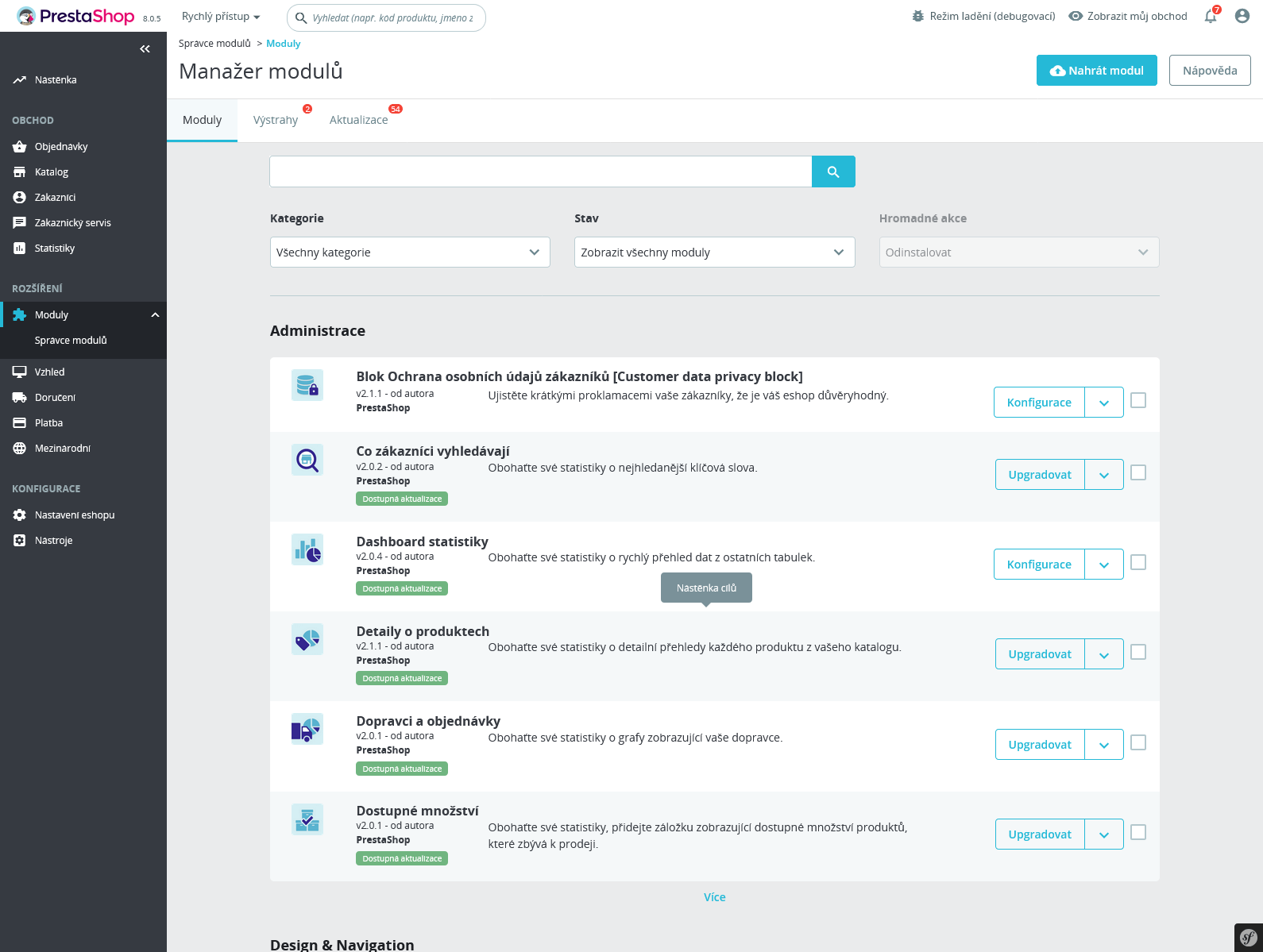
Module Installation
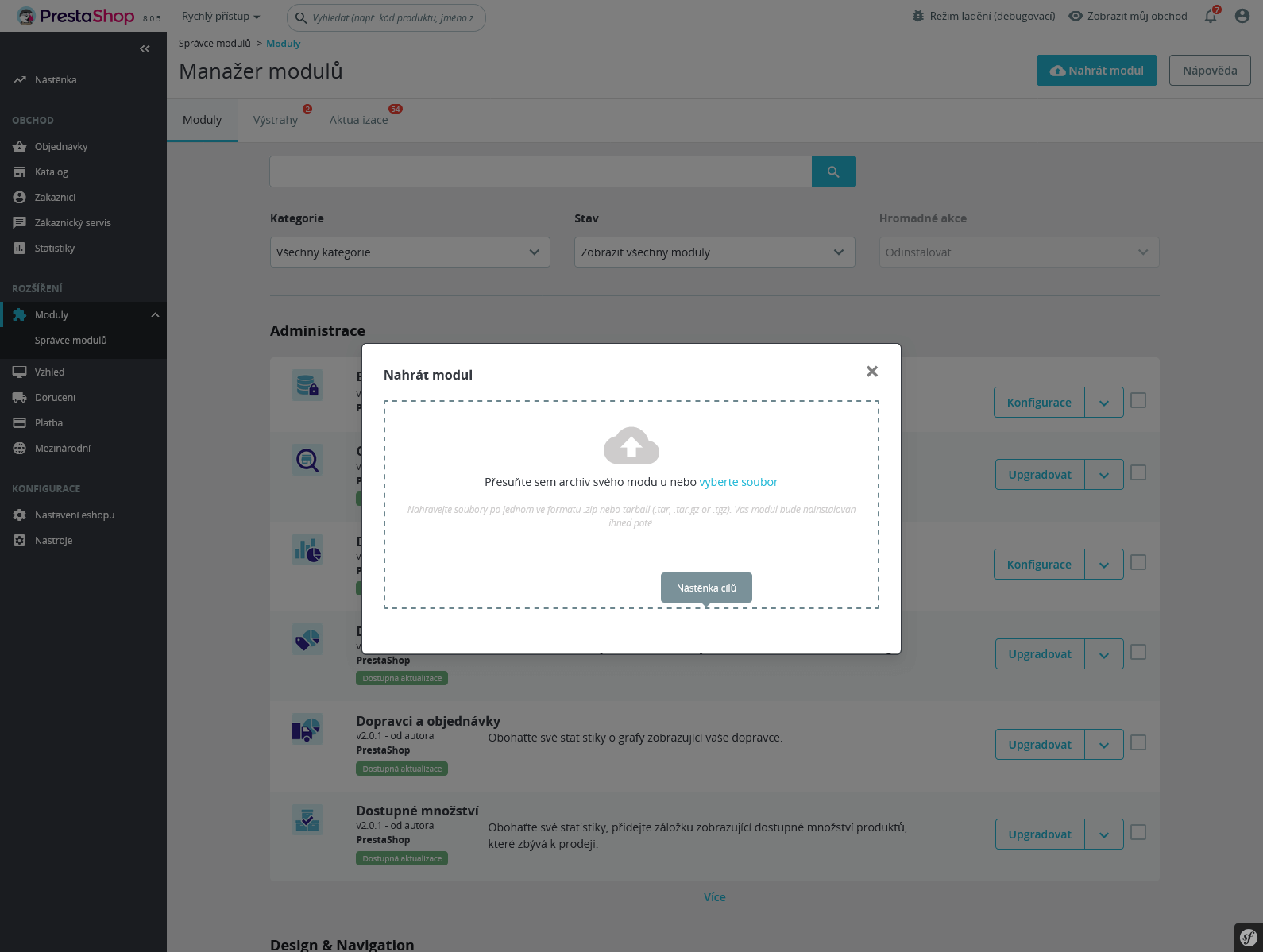
In PrestaShop administration, go to Modules -> Module Manager and click on "Upload a module". Select or drag & drop the downloaded ZIP file.
API Key Configuration
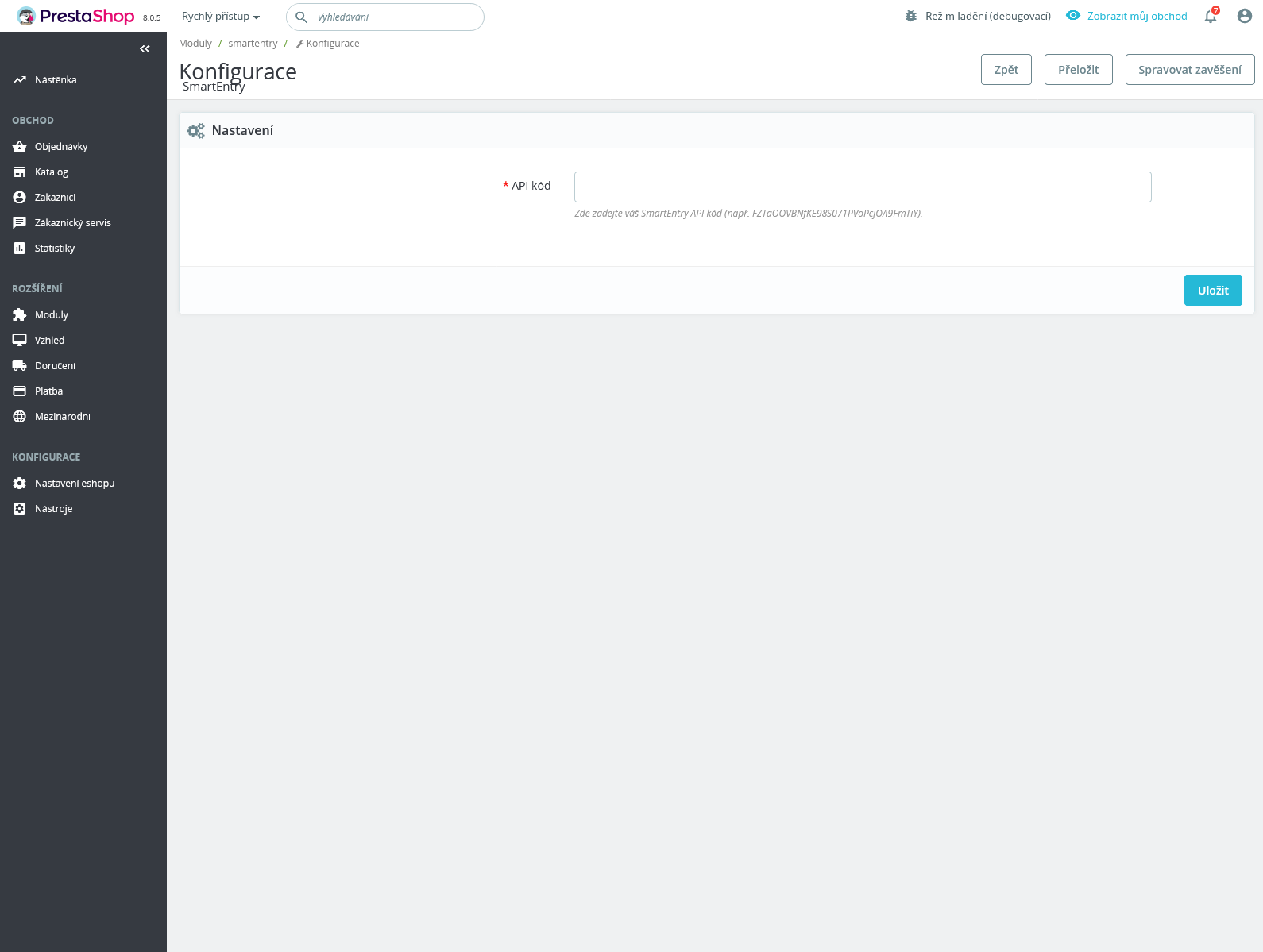
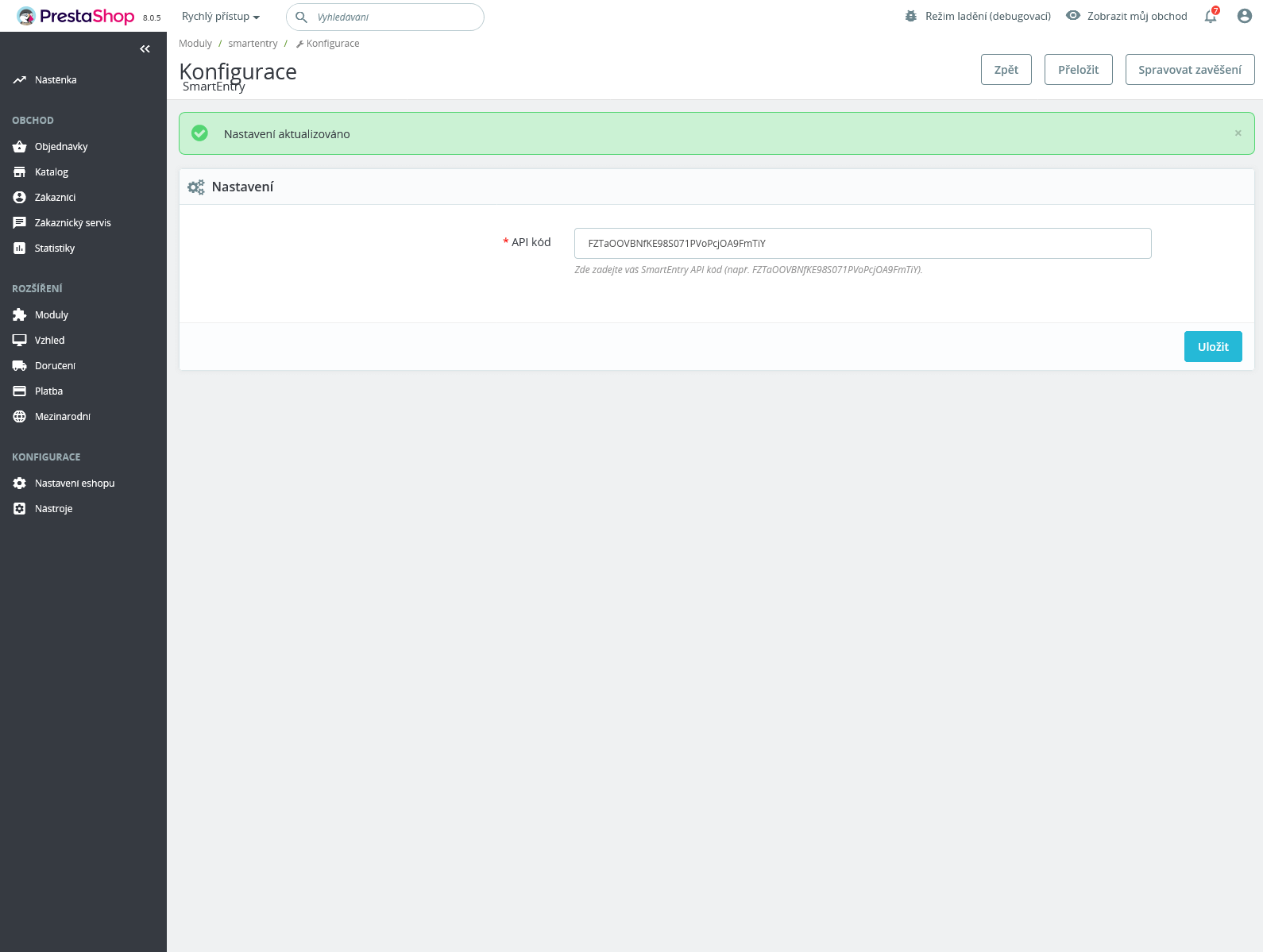
After successful installation, go to module configuration. Enter your unique Project ID, which can be found in the SmartEntry administration, into the "API Key" field.
Done
The module is now active and connected. You can manage behavior settings (phone validation, companies, etc.) directly in the SmartEntry administration.
Using a custom theme?
The module is optimized for the default checkout process. If you have a custom theme (checkout) and the autocomplete does not appear, we will be happy to help you with the setup.
Contact Support