Guide for Upgates
Activate smart autocomplete in your e-shop within 2 minutes using the official add-on.
Select Add-on
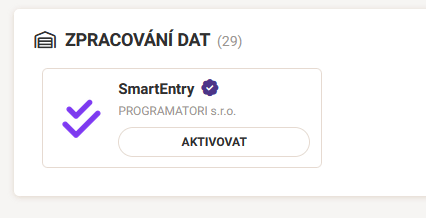
In Upgates administration, go to the Add-ons section. Search for "SmartEntry" or find it in the "Data Processing" category. Click on the add-on detail and select "Activate".
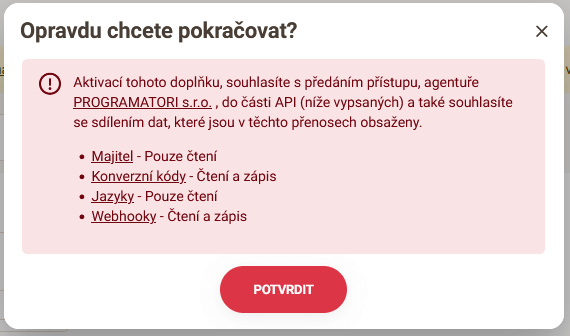
Confirm Activation
A window with add-on information will appear. By clicking "Confirm", you start a 14-day free trial with full functionality.
Connection Settings
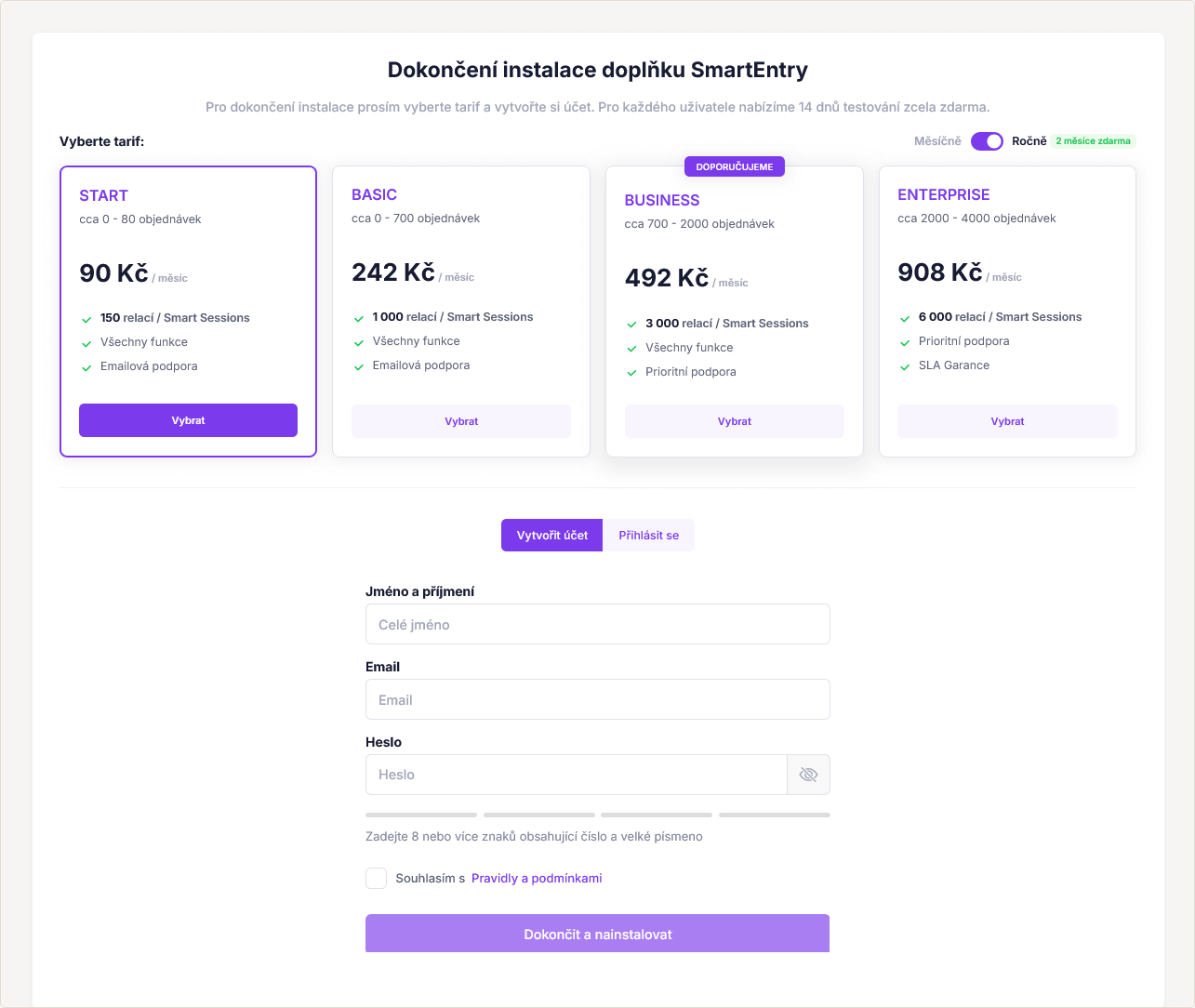
The connection settings will open. Here you choose the plan (which activates after the trial ends) and the payment frequency. This step creates a SmartEntry account and pairs it with the e-shop.
Add-on Management
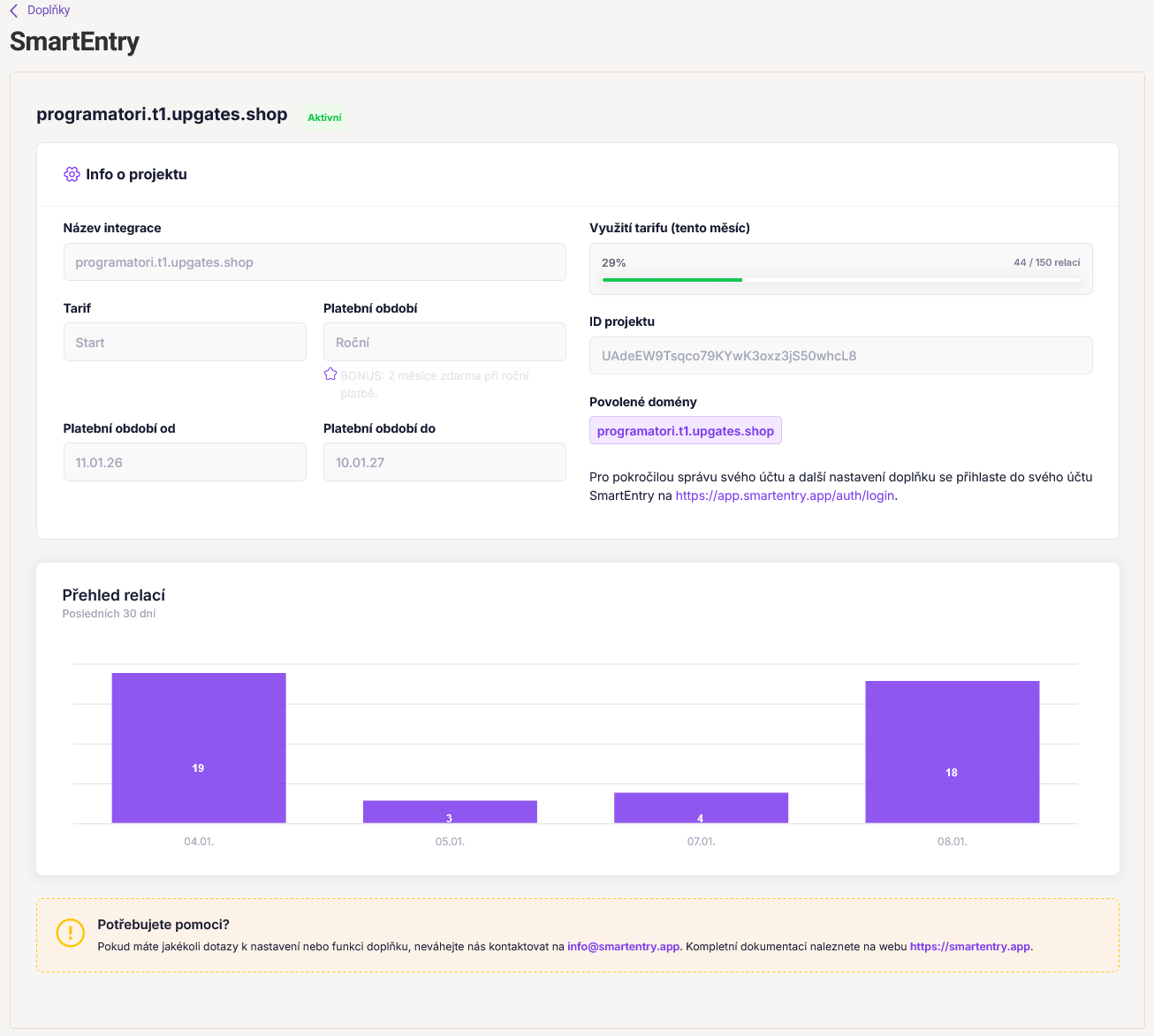
Done! In the add-on detail, you can now see information about your project, current plan usage, and statistics. From here, you can also click through to the full SmartEntry administration for advanced settings.
Need help?
If you are stuck, our support will gladly help you with the integration for free.
Contact Support